
Create and refine images with Nano Banana
Turn a prompt or reference image into polished visuals with a fast, approachable model built for everyday creative iteration.
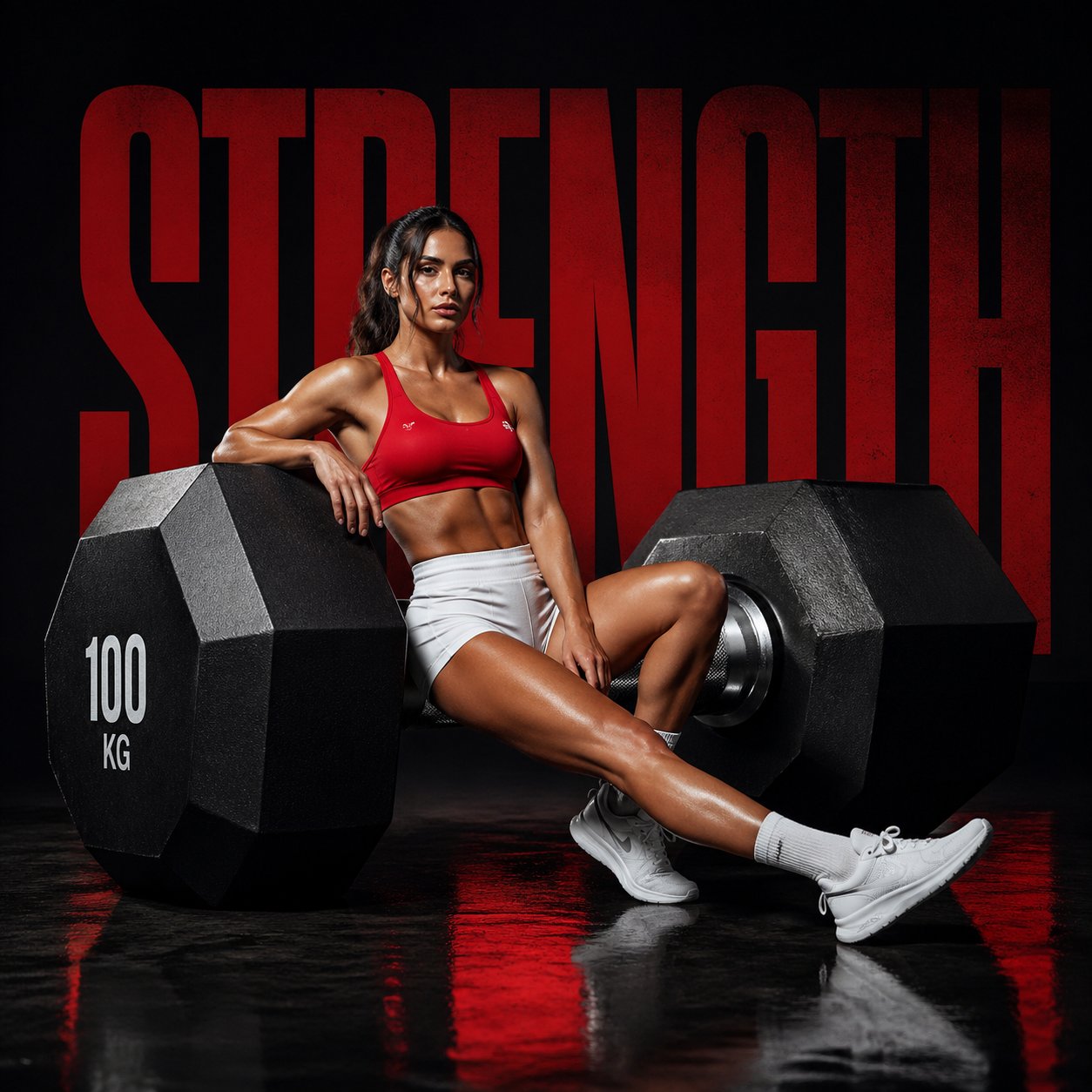
- 5
- reference images
- 8
- aspect ratios
- 2
- base credits
Know when to choose Nano Banana
Choose Nano Banana when fast drafts and conversational image edits matter more than maximum resolution or complex multi-reference production.
- Quick visual drafts
- Reference-guided edits
- Social and product concepts
- Fixed 1K-class output
- Fewer references than newer models
- Not the best fit for dense layouts
Practical prompts for Nano Banana
These original blueprints were rewritten from recurring patterns in public creator workflows and official prompting guidance. Replace the subject and reference instructions with your own assets.
Phone photo to studio product shot
Keep the uploaded bottle's exact shape, cap, label placement, and proportions. Replace only the setting with a warm limestone studio surface, soft daylight from camera left, a restrained shadow, and a pale sand background. Frame it as a premium e-commerce hero photograph with natural material texture. Do not add text, props, or a new logo.
Try this directionEditorial portrait variation
Create an intimate editorial portrait of a ceramic artist in a sunlit workshop, waist-up composition, hands lightly dusted with clay, muted terracotta and cream palette, soft window light, realistic skin texture, 50 mm documentary photography, quiet and candid rather than posed.
Try this directionSeasonal social crop
A playful overhead still life for an early-summer tea campaign: a clear glass, sliced white peach, folded linen, and small green leaves arranged with generous negative space in the upper-right. Natural noon light, crisp but soft-edged shadows, fresh editorial color, no lettering or watermark.
Try this directionControls that keep the idea moving
Prompt-to-image creation
Move from a short creative brief to a finished visual without a complicated setup.
Reference-led editing
Guide the result with up to five images when composition, subject, or mood needs a visual anchor.
Automatic framing
Use automatic sizing or choose a familiar square, portrait, landscape, or social-first format.
Low-friction iteration
Explore alternate lighting, backgrounds, and styling while keeping the original idea recognizable.
Create with Nano Banana in three steps
- 01
Describe the direction
Write the scene, style, mood, composition, and details you want the model to explore.
- 02
Add visual context
Upload reference images when a subject, palette, material, or aesthetic needs to stay recognizable.
- 03
Choose and generate
Select the format and available quality controls, then create and refine your strongest result.
Where Nano Banana fits best
Use it at the point where visual exploration needs to become tangible, shareable, and ready to refine.
Social creative
Develop covers, posts, and campaign concepts in multiple common formats.
Product scene edits
Place an existing product photo into a cleaner setting before committing to a production shoot.
Concept frames
Translate a written scene into a visual reference for pitches, storyboards, and mood boards.
Questions about Nano Banana
Clear answers before you start creating with this model.
What is Nano Banana best for?
It is a practical everyday choice for quick generation, conversational edits, social assets, product-scene variations, and visual exploration.
Can I use an existing image?
Yes. tuziyo supports up to five reference images for Nano Banana, making it useful for guided edits and visual continuity.
When should I choose a newer Nano Banana model?
Choose Nano Banana 2 for broader ratios and resolution controls, or Nano Banana Pro when a complex brief and high-resolution professional asset justify more credits.
Explore other AI image models
Compare model strengths, controls, and production trade-offs before choosing a workflow.
 Google
Nano Banana Pro
Choose Nano Banana Pro for complex professional briefs, brand consistency, search-grounded context, and final assets that need up to 4K output.
GoogleNano Banana 2
Choose Nano Banana 2 as the flexible all-rounder when you need fast exploration, strong text and world knowledge, unusual ratios, and a path to 4K delivery.
 ByteDance
Seedream 5 Pro
Choose Seedream 5 Pro for polished stills, product concepts, portraits, and campaign compositions when 1K or 2K delivery is sufficient.
Make something unmistakably yours.
Bring a prompt, choose Nano Banana, and shape your next visual in tuziyo.
Start creating