
Turn detailed briefs into images with GPT Image 2
Give complex visual instructions room to breathe with long-form prompting, extensive reference input, flexible quality, and production-scale output.
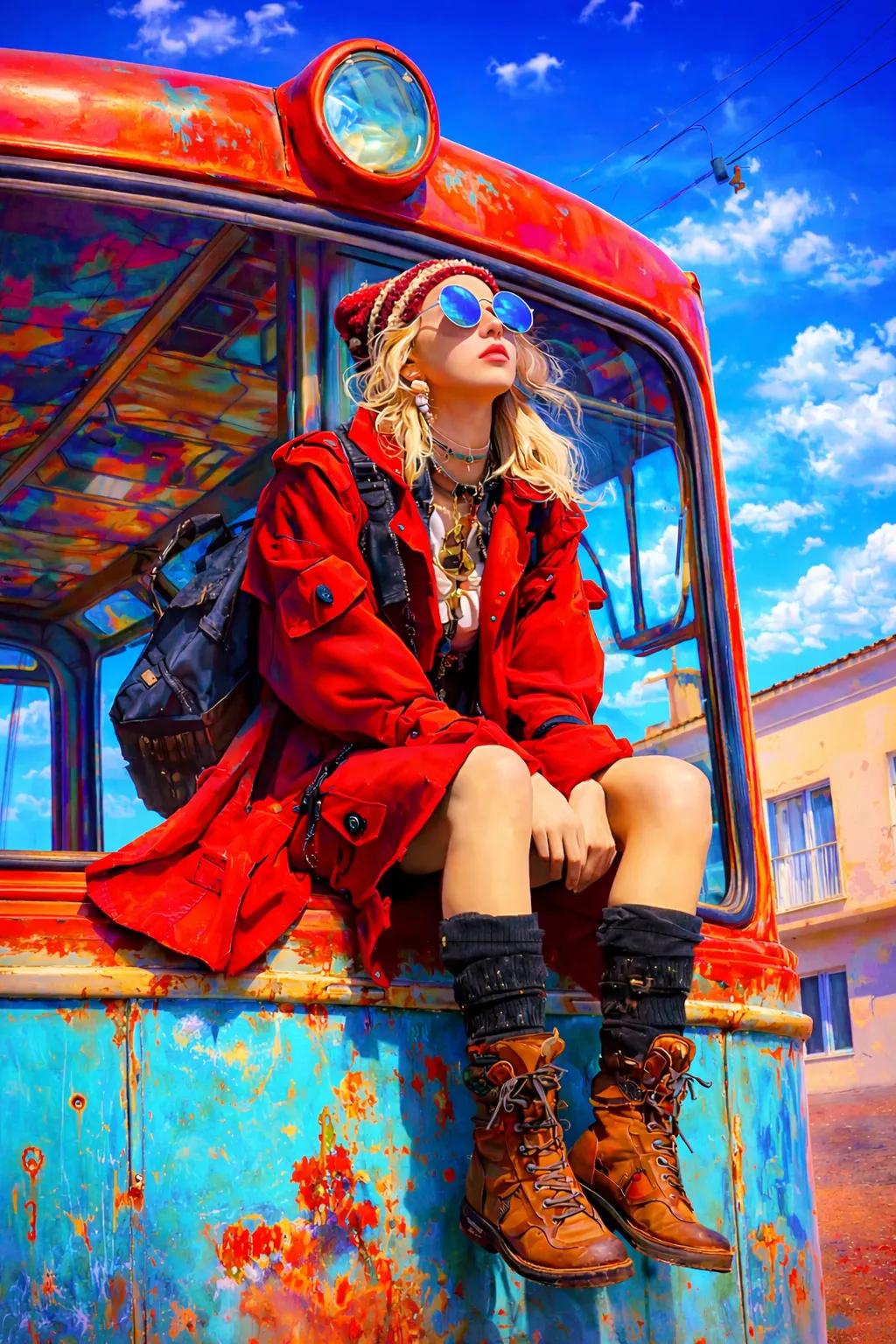
- 4K
- maximum resolution
- 16
- reference images
- 5
- images per run
Know when to choose GPT Image 2
Choose GPT Image 2 when the job depends on a detailed brief, many visual inputs, flexible quality, or several candidates generated from one setup.
- Detailed creative briefs
- Multi-image compositing direction
- Batch concept exploration
- High quality costs more credits
- Long prompts still need clear priorities
- Reference roles should be explicit
Practical prompts for GPT Image 2
These original blueprints were rewritten from recurring patterns in public creator workflows and official prompting guidance. Replace the subject and reference instructions with your own assets.
Structured launch poster
Create a refined launch poster for a fictional modular desk lamp. The lamp occupies the lower two-thirds on a matte graphite plinth, photographed at a three-quarter angle with one warm pool of light. At top-left set the exact headline 'LIGHT, REARRANGED.' in large white geometric sans serif; below it, smaller, 'MODULAR DESK SYSTEM / 2026'. Preserve ample margins, align both lines to one grid, keep every character readable, and add no other copy or logos.
Try this directionReference-driven room redesign
Use image 1 as the room geometry and camera reference, image 2 for the oak finish, and image 3 for the textile palette. Redesign only the furnishings as a calm contemporary reading room. Keep windows, walls, floor plan, camera position, and daylight unchanged. Add a low oak shelf, one rust wool chair, a paper floor lamp, and two framed abstract prints with physically plausible scale and shadows. No people and no structural alterations.
Try this directionCharacter turnaround sheet
A clean professional character-design sheet for an elderly deep-sea cartographer wearing a weathered navy pressure suit. Show the same person in front, three-quarter, profile, and back views plus three small facial expressions. Preserve age, face shape, suit construction, brass fittings, and color across every view. Neutral warm-gray background, even studio light, fine pencil-and-gouache concept-art finish, no captions, no cropped figures.
Try this directionControls that keep the idea moving
Long-form creative briefs
Use detailed prompts to describe subjects, materials, text, layout, lighting, and production intent.
Extensive visual context
Guide the generation with up to sixteen images when the brief depends on multiple visual cues.
Quality and resolution controls
Choose low, medium, or high quality and output from 1K through 4K for the job at hand.
Batch exploration
Request up to five images in one run to compare creative directions without rebuilding the setup.
Create with GPT Image 2 in three steps
- 01
Describe the direction
Write the scene, style, mood, composition, and details you want the model to explore.
- 02
Add visual context
Upload reference images when a subject, palette, material, or aesthetic needs to stay recognizable.
- 03
Choose and generate
Select the format and available quality controls, then create and refine your strongest result.
Where GPT Image 2 fits best
Use it at the point where visual exploration needs to become tangible, shareable, and ready to refine.
Layout-aware creative
Describe structured advertising compositions, cover concepts, and content hierarchy in detail.
Product visualization
Develop variations around materials, environments, camera direction, and presentation style.
High-detail concept art
Turn a nuanced world, character, or cinematic brief into multiple visual candidates.
Questions about GPT Image 2
Clear answers before you start creating with this model.
How many results can GPT Image 2 create per run?
tuziyo lets you request one to five images, which is useful when comparing several candidates from the same detailed setup.
How should I structure a long prompt?
State the goal first, then subject, composition, references, lighting, exact text, and invariants. Clear priorities work better than an unstructured list of adjectives.
When should I use high quality or 4K?
Reserve them for a chosen direction, small details, large delivery size, or downstream production. Medium quality and 1K–2K are usually more efficient for exploration.
Explore other AI image models
Compare model strengths, controls, and production trade-offs before choosing a workflow.
 Google
Nano Banana
Choose Nano Banana when fast drafts and conversational image edits matter more than maximum resolution or complex multi-reference production.
GoogleNano Banana Pro
Choose Nano Banana Pro for complex professional briefs, brand consistency, search-grounded context, and final assets that need up to 4K output.
GoogleNano Banana 2
Choose Nano Banana 2 as the flexible all-rounder when you need fast exploration, strong text and world knowledge, unusual ratios, and a path to 4K delivery.
Make something unmistakably yours.
Bring a prompt, choose GPT Image 2, and shape your next visual in tuziyo.
Start creating